LiveCard for teams
One company.
Every person.
Give every introduction the weight of your brand—and the individuality of the person making it.
- Shared company brand
- Each person's own profile
- Card opens the current profile
Tell us about your team. We'll follow up with next steps—no commitment.

Eli Turner
Field Specialist · Northstar Works

Workplace installation
Recent field work · Northstar Works
Company + person
Consistent together.
Personal up close.
Shared brand and company content give the team a recognizable foundation. Each employee still shows up with their own photo, role, contact details and perspective.

Northstar Works
Illustrative team
Maya Chen
Account Director
Eli Turner
Field Specialist
Nora James
Talent Partner
Company layer
Brand, shared content and services.
Individual layer
Photo, role, contact details and voice.
Always current
People change.
The card keeps working.
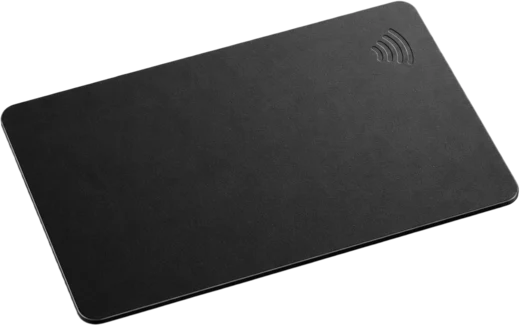
Onboard a profile around the person and company. When a title, phone number or featured work changes, update the LiveCard instead of reprinting the physical card.
Build the profile
Add the person's identity, role, contact details and the company content they share.
Pair the card
Assign the physical LiveCard to its permanent profile destination.
Keep it current
Publish profile updates so the next tap opens the latest information.
In the field
Show the work while the conversation is happening.
Eli Turner
Field Specialist · Illustrative profile
Sales + field teams
Make the next step obvious.
A field rep can share recent work, services and a clear action while the conversation is fresh—whether that is calling, requesting a visit or connecting back.
Recruiting + events
Turn a brief meeting into a way back.
A recruiter can introduce the organization, share openings and invite a candidate to connect back. Event context can shape the moment without replacing the recruiter's professional identity.

Nora James
Talent Partner · Northstar Works
Careers at Northstar Works
Meet the organization and explore current openings.
At an event
Give the moment context.
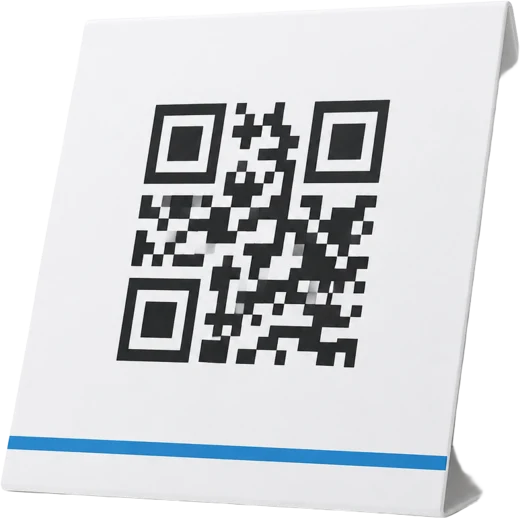
Present an event greeting, recruiter profile and relevant organization information in one experience.
After the tap
Invite a connection back.
The visitor can choose to share their details with the recruiter instead of leaving with only a paper handout.
Illustrative opening
Project Coordinator
Reno · Hybrid
Role details can sit beside the company story and a direct way to continue the conversation.
Fictional people, company, event and opening shown for illustration. Buttons do not submit data.
Team rollout
Start with the people and moments that matter.
A small team can begin with a few profiles. A larger organization can define company content, prepare employee profiles, assign cards and expand from there.
Small team2–10 people
Start with a handful of profiles and cards for the people who meet customers most.
Growing team11–50 people
Set the company foundation once, prepare employee profiles together and assign cards as people join.
Larger rollout51+ people
Start with selected team members, then add more profiles and cards as the rollout grows.
What happens next: you send a short note about your company and team size, and we follow up to plan the right starting point.
Define the company foundation
Choose the shared brand and company information that should appear across the team.
Prepare each person's profile
Add individual identity, contact details, role and the content that supports their work.
Assign, publish and update
Pair physical cards with profiles, publish when ready and keep details current over time.
Questions
Straight answers for teams.
Yes. Each employee has an individual LiveCard with their own identity and contact details, alongside shared company branding and content.
Their title, contact details and profile content can be updated without changing the physical card or its permanent destination.
Yes. A LiveCard can present event context, recruiting information and a way for a visitor to connect back. The examples on this page are illustrative.
No. The same profile and card model can support a small team or a larger rollout. Tell us about your team and we can discuss the right starting point.
LiveCard for teams